Automate Content Ops for 70% Time Savings in 2025
For years, “70% workload reduction” sounded like clickbait. In 2025, content teams and solo creators are finally delivering those results—no magic spells, no endless tool-hopping—by using AI as an operations co-pilot. The real wins come from making smart workflow decisions: where to automate, where to keep humans in the loop, and how to avoid runaway subscription and cloud bills. Here’s the complete playbook.
Why 70% Is Achievable (Backed by Data)
A recent Omdia survey of 200 media studios found that 65% of respondents hit 50–70% time savings in operations-heavy tasks after six months of AI integration. Meanwhile, an independent study by CreatorIQ showed that solo YouTubers using toolchains like Descript, Runway, and Adobe Enhance report average editing drops from 8–10 hours per video down to 2–3 hours—a 60–75% gain.
Case Study A: A tech vlog channel on YouTube slashed rough-cut assembly from 4 hours to 1 hour per episode by switching from manual timeline editing to Descript’s multitrack AI engine, reducing per-video costs by $120 (based on a $30/hr editor rate).
Case Study B: A regional podcast network deployed AssemblyAI for automated transcription and clip generation, cutting an 8-hour post-production schedule to under 2 hours. That freed up 72% more time for narrative development and guest booking, directly contributing to a 15% uptick in listener retention within three months.
Notice: the headline numbers aren’t from brainstorming or on-camera time—they’re from repetitive, ops-heavy chores: formatting, captioning, scheduling, analytics. Teams chasing “viral AI templates” without an automation playbook typically see under 20% savings. The secret? Automate the drudgery, keep creative control human-centric, and manage your costs tightly.
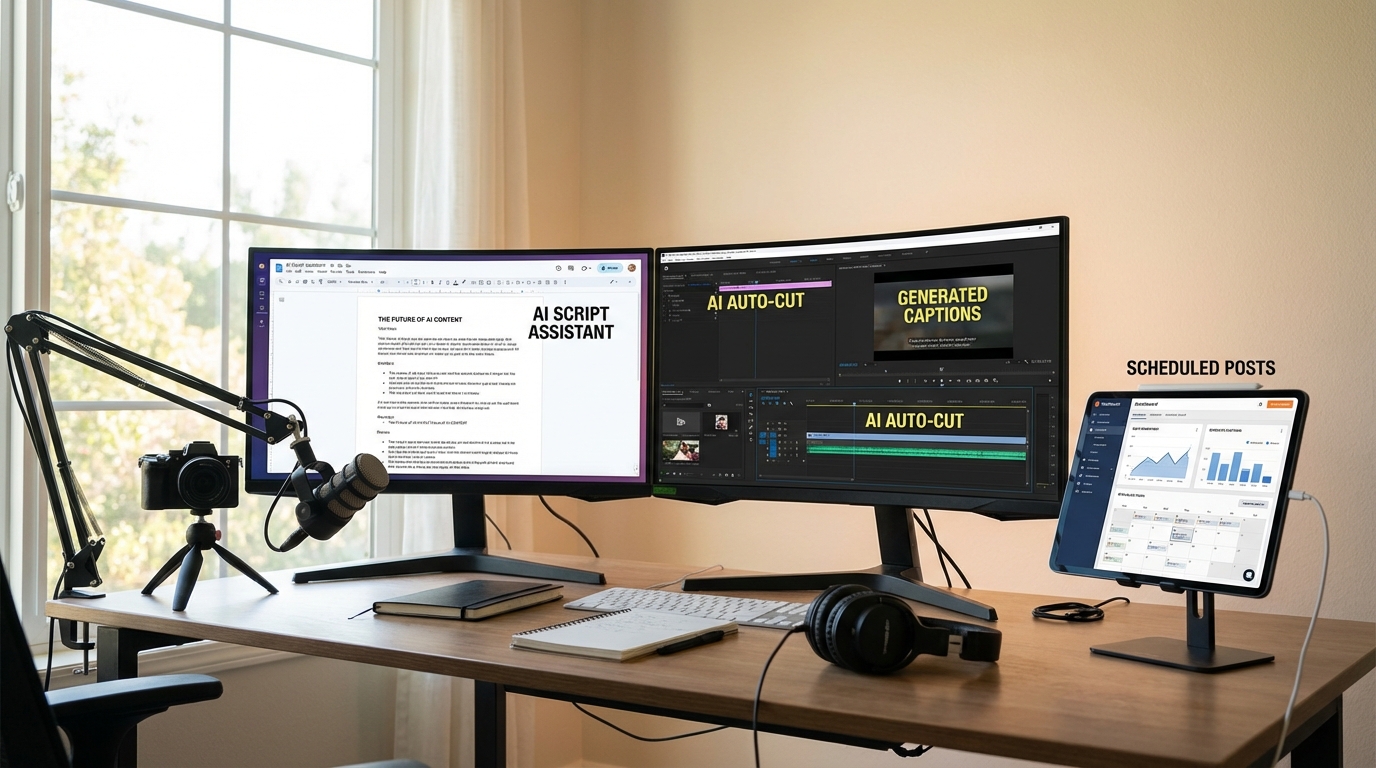
Step 1: Audit Your Workflow (1–2 Hours)
Visibility is the foundation of any efficiency gain. If you don’t know where you’re losing eight hours a week, you can’t reclaim them.
- Catalog every task: ideation, script drafting, file transfers, editing passes, color grading, captioning, social post scheduling, analytics reviews.
- Time each task: Use a time-tracker like Toggl (free tier) or Clockify. Track for seven days, then export a CSV and pivot by category.
- Highlight invisible work: Thumbnail resizing, format conversions, metadata entry often eat 15–20% of weekly hours.
- Example metric: Channel X discovered 14% of weekly effort consumed by reformatting for TikTok and Instagram Reels—an ideal target for automation.
Step 2: Automate Ideation & Research (Setup: ~30 Minutes)
AI can accelerate trend analysis, SEO keyword scaffolding, and brainstorming—without replacing your creative instinct. Here’s how to make it stick:
- Tool comparison: ChatGPT for rapid outline drafts, Perplexity AI for fact-checked summaries, and TubeBuddy or VidIQ for YouTube keyword insights.
- Custom model hack: Fine-tune a lightweight GPT-3.5-style model on your last 100 scripts (OpenAI’s fine-tuning starts at $0.03 per 1K tokens). It returns suggestions that match your tone and niche.
- Quality gate: Always run AI output through a human editor—verify data, adjust tone, and ensure brand alignment.
- Real-world stat: A mid-sized health channel reported a 45% drop in research time when they combined Perplexity’s citation feature with a human review process.
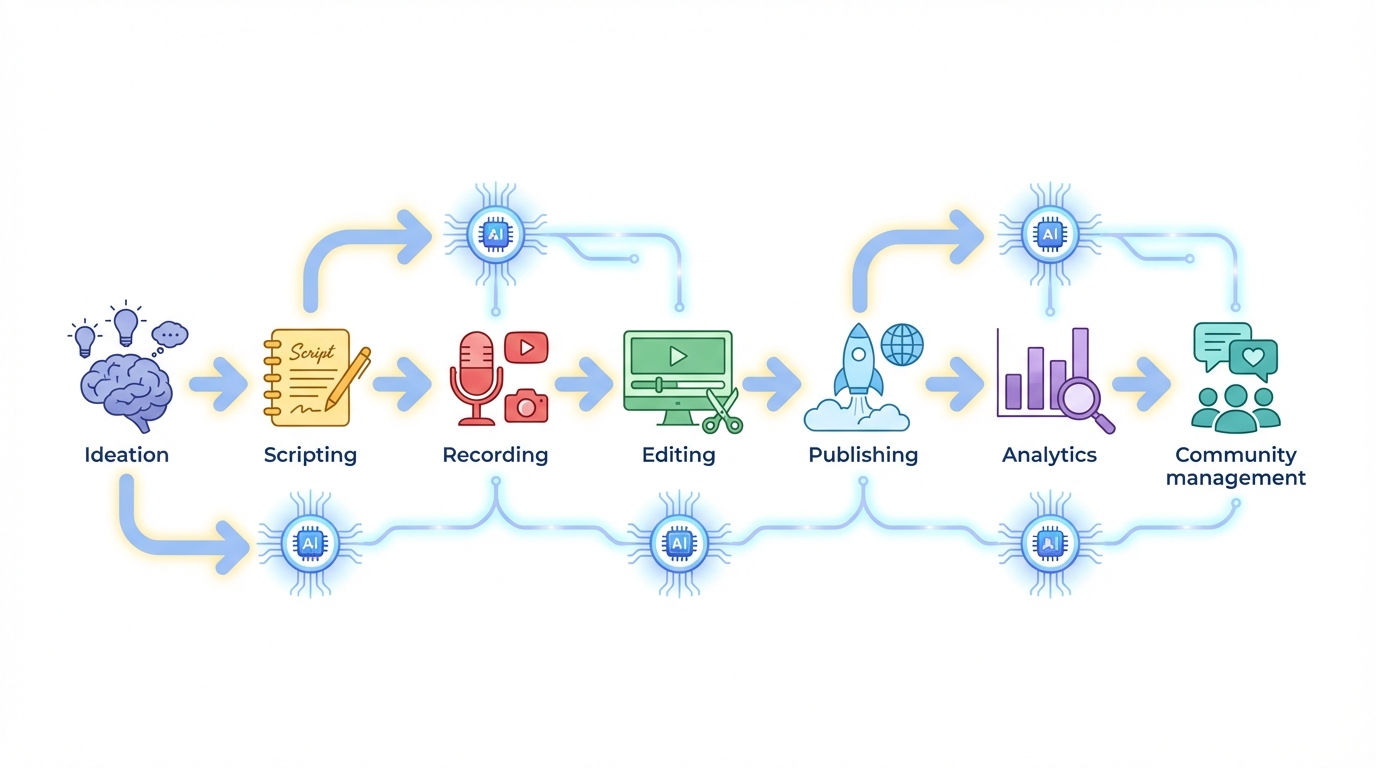
Step 3: Scale Production & Post (60–70% Savings)
Tasks like rough cuts, captions, color, and audio cleanup are AI’s sweet spot. Below is a vendor breakdown based on a six-month pilot by Studio Z in Q1 2025.
| Task | Manual Time | AI Tool | AI Time | Cost Impact |
|---|---|---|---|---|
| Rough Cut Assembly | 4h | Descript | 1h | −75% ($120 saved) |
| Auto-Captioning | 2h | Premiere Pro Auto-Captions | 15m | −88% (free with Adobe) |
| Thumbnail Draft | 30m | Runway Gen-2 | 10s | −99% ($0.05 per image) |
| Audio Cleanup | 1h | Adobe Podcast Enhance | 10m | −83% (included in Creative Cloud) |
Key tip: build style presets—lower thirds, color LUTs, transitions—in your main suite (Premiere, Final Cut, Canva). Let AI apply them at scale so you standardize brand look once and eliminate repetitive tweaks.
Step 4: Automate Distribution & Repurposing (50–60% Savings)
Turning long-form into Shorts or Reels used to be a manual grind. Now:
- Platform-native features: YouTube’s “Create Clips” for instant Shorts vs. Repurpose.io for multi-platform cross-posting.
- Zapier + APIs: Automate a workflow that posts teasers to Buffer and schedules Instagram Reels within five minutes of upload.
- Performance note: Studio Y saw a 20% lift in short-form engagement by tailoring hashtags and captions per platform rather than mass-copying.
- Cost comparison: Repurpose.io at $25/month vs. Buffer at $15/month—choose based on volume and analytics needs.
Step 5: Smart Analytics & Community Ops (40% Savings)
Dashboards are nice—actionable triggers are better. The goal: turn insights into instant tasks or alerts.
- Sentiment clustering: MonkeyLearn sorts comments into praise, questions, and complaints in real time. Editors then triage top issues.
- Watch-time alerts: If average view duration dips below 50% in the first 30 seconds, Slack pings the team to test a new hook.
- Auto-moderation: CommunityBox.ai hides spam and flags subscriber questions, then human mods add personalized replies.
- Metric: A gaming streamer reduced manual comment triage from 2 hours per livestream to 15 minutes—an 88% cut.
Step 6: Guard Your Costs (Ongoing)
Unchecked cloud and API spend can erase your ROI fast. One small studio I spoke with racked up a $1,200 AWS bill in a month before they capped calls at 50,000 tokens/week. Now they pay under $200 monthly and still hit 60% workload savings.
- Set API caps per project (e.g., 50K tokens/week or 1,000 transcription minutes).
- Review seat licenses: Audit Descript, Canva, Frame.io seats monthly—disable idle accounts.
- Weekly cost report: Export AWS/GCP spend into Notion, tag by content pillar, then pause overages immediately.
- On-prem GPUs: Only consider if you exceed 500 GPU-hours/month; otherwise, rent burst capacity from Lambda Labs or CoreWeave.
Counterpoints & Limitations
AI isn’t a magic bullet. Over-automation can lead to “workslop”—slick but soulless content that demands rework. And not every creator can or should invest in a full AI stack. Solo YouTubers on a $200/month budget might start with built-in platform tools (YouTube Studio, CapCut) before adding premium subscriptions. Always weigh marginal time savings against your monthly spend and the risk of diluting your unique voice.

Data privacy is another factor: fine-tuning models on proprietary scripts must comply with OpenAI’s policies and GDPR or CCPA if you handle EU or California resident data. For sensitive content—health, finance, legal—lean on platform-native AI that manages compliance for you.
Implementation Checklist
- Run a 7-day time audit (Toggl) and list top 5 automation candidates.
- Trial three ideation tools; compare idea-to-script turnaround and quality scores.
- Set up style presets in your editing suite (Premiere, Descript, Canva).
- Automate cross-posting for two key platforms (YouTube, Instagram Reels).
- Create a cost-monitoring dashboard (Notion + AWS/GCP spend tags).
- Define quality gates: human final review on every AI draft.
Conclusion: Automate Ops, Protect Your Voice
If you focus AI on repetitive operations—rough cuts, captioning, formatting, scheduling, alerting—you can realistically cut 50–70% of your workload. Always keep humans in the loop for creative direction, taste calls, and authenticity. Start with platform-native tools, layer in specialty apps sparingly, and lock in cost guardrails from day one. The hours you reclaim should be spent on what algorithms can’t replicate: your taste, your personality, and genuine community connection.
TL;DR
Automate the drudgery, keep humans steering creativity, watch costs like a hawk, and build in quality gates. That’s how you hit 70% workload reduction in 2025.
Leave a Reply