Creator Content Flywheel Guide: Repurpose for Ads, Email, and Retail in 2026
After spending two years and well over 1,000 hours trying to make creator content “just work” across paid social, email, and retail, the breakthrough came when I stopped thinking in campaigns and started thinking in a flywheel. Once I treated creator assets as a measurable, four-stage system, CPAs dropped, AOV went up, and suddenly we could predictably scale instead of praying that the next collab would hit.
This guide is the creator content flywheel guide: repurpose for ads, email, and retail in 2026 that I wish I’d had at the start. You’ll get a clear four-stage playbook, practical KPIs, repurposing checklists, compensation templates, and concrete A/B tests you can run this quarter.
Time to implement: 2-4 weeks for a basic flywheel, 2-3 months to feel “dialed in”.
Difficulty: Medium – more about process discipline than fancy tools.
The 4-Stage Creator Content Flywheel (2026 Version)
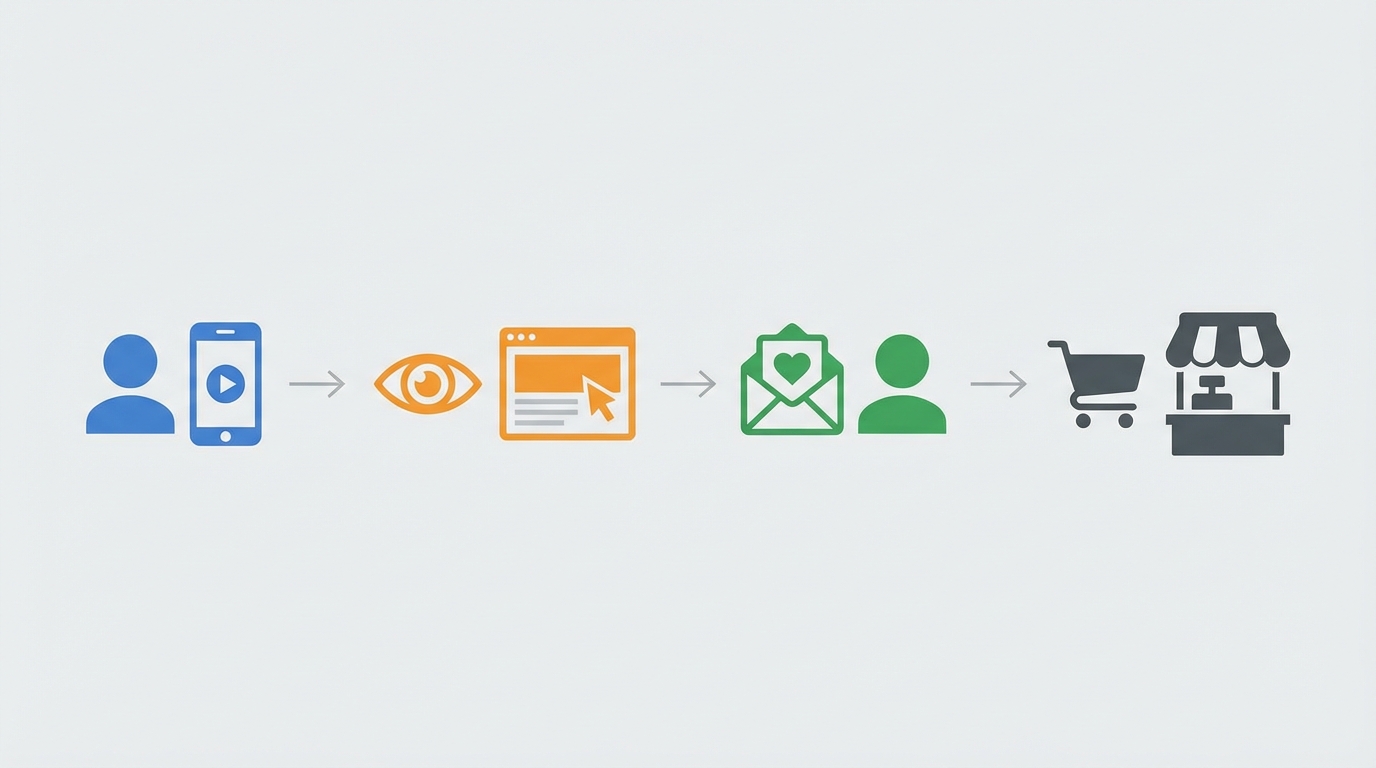
Once I mapped everything we were doing, every high-ROI program fell into four stages:
- Stage 1 – Create & Test: Rapidly produce and test creator concepts, hooks, and formats.
- Stage 2 – Amplify & Repurpose: Scale the winners as paid ads, email content, and retail assets.
- Stage 3 – Retarget & Optimize: Retarget engaged viewers and refine based on real conversion data.
- Stage 4 – Analyze: Kill emotion-driven decisions; let CAC, AOV, ROAS, and CLV dictate what survives.
Run this loop consistently and you get compounding returns. Brands that turn influencer content into paid ads routinely see 2–3x higher engagement and lower CPAs than brand-only creative. The flywheel is how you capture that performance instead of treating each campaign like a one-off experiment.
Prerequisites: Data, Tools, and Team
I learned the hard way that without a few basics, the flywheel collapses into chaos. You don’t need an enterprise stack, but you do need:
- Tracking: UTM structure, platform pixels, and clear naming conventions across Meta, TikTok, YouTube, email, and retail media.
- Dashboard: Even a simple Looker/Data Studio or spreadsheet that pulls spend, revenue, and core KPIs per creator and per asset.
- Creator ops: One person (internal or agency) who owns briefs, approvals, and contracts.
- Basic AI tools: For clipping, resizing, and copy variations. Tools from companies like Omnius or your preferred AI editor save hours per week.
Step → Action → Result: Define your naming convention → Apply it to every ad, email, and PDP asset → You can finally see which creator and which video actually drives money.
Step 1 – Create & Test: Turn Raw Creator Content into Measurable Assets
My early mistake was spending weeks perfecting a single “hero” creator video. What finally worked was treating creation as cheap, iterative testing.
1. Choose the right creator tiers
- Tier 1 (Macro): 1M+ followers – great for reach, expensive for testing. Use sparingly for big moments.
- Tier 2 (Mid-tier): 100K–1M – balance of reach and cost; good for validating concepts.
- Tier 3 (Micro): 10K–100K – where I see the best ROI; tight niches, high trust, and cheaper content volume.
Pro tip: Start your flywheel with Tier 2 and Tier 3 creators. They’re ideal for rapid experimentation and long-term partnerships.

2. Build a test-focused brief (not a brand film brief)
- Objective: e.g., “Drive first purchases under $35 CPA.”
- Format: 15–45 sec vertical video; raw, phone-shot is fine.
- Hooks to test (3–5): “I stopped using X when I found…”, “If you have Y problem, watch this…”, price breakdown, comparison, etc.
- Required beats: Problem → product demo → proof (result, testimonial, social proof) → CTA.
- Mandatory tags/links: Tracking links, discount codes per creator.
Step → Action → Result: Define 3 hooks and 1 clear CTA → Ask every creator to film variations in one batch → You get 6–9 testable assets per creator instead of one “perfect” video.
3. Run structured tests
- Platforms: Meta, TikTok, YouTube Shorts at minimum; optionally LinkedIn for B2B angles.
- Budget: $50–$150 per asset over 3–5 days is usually enough to spot clear winners.
- Key metrics at this stage: 3-second hold, thumb-stop rate, CTR, cost per click, and comments that indicate intent (“Where do I buy?”, “Does it work for…?”).
You’ll know Stage 1 worked when you have 3–10 creator assets that clearly beat your brand ads on CTR and engagement at similar or lower CPC.
Step 2 – Amplify & Repurpose: Ads, Email, and Retail
This is where most teams (including mine, initially) left money on the table. A winning creator video would crush on TikTok, then die there. The shift was moving to a format-first repurposing checklist.
1. Paid social amplification
- Run creator ads through whitelisting/Spark Ads to keep the creator’s handle and social proof.
- Duplicate winners across:
- Meta Reels, Feed, and Stories (9:16 and 4:5).
- TikTok in-feed and TikTok Shop placement if you have it.
- YouTube Shorts (reframed or with borders if needed).
- Refresh only the hook and offer, not the entire asset, when performance dips.
Many of our best creator ads have run profitably for 3–6 months with minor tweaks. Remember: brands using influencer content as paid ads often see 2–3x engagement and lower CPAs than brand-only assets.
2. Email integration checklist
- Welcome flow: Insert a 15–30 sec creator “why I switched” clip in email 2 or 3.
- Abandon cart: Use a creator FAQ or “does it really work?” testimonial.
- Post-purchase: Creator how-to or unboxing to reduce returns and increase repeat AOV.
- Campaigns: Feature creator quotes and screenshots in sale announcements instead of stock imagery.
Step → Action → Result: Identify top 3 performing creator ads → Turn them into GIFs or thumbnails with play buttons in email → Expect higher click-through and often a bump in AOV versus plain brand creative.

3. Retail & PDP optimization
- Add a short creator demo or testimonial above the fold on product detail pages.
- Use creator quotes as review highlights (“As seen in…” style callouts).
- For retail media (e.g., on marketplace or retailer networks), repurpose high-performing social assets as sponsored product or video placements pointing to your PDP.
When we added a simple 30-second creator demo to key PDPs, conversion lifts between 8–20% were common, especially on mobile. It works because content, discovery, and commerce are collapsing into one experience-people want to see a real human using the product right where they decide to buy.
Step 3 – Retarget & Optimize: Turn Attention into Revenue
Don’t make my early mistake of retargeting “all site visitors” with one-size-fits-all creatives. Creator content gives you behavior-based signals you can use for smarter segmentation.
1. Build engagement-based audiences
- Viewed 25% of a creator video (mildly curious).
- Viewed 75%+ (high intent).
- Clicked through to site.
- Added to cart but did not purchase.
Step → Action → Result: Segment by depth of engagement → Match creative intensity to intent (education vs. offer) → You typically see better ROAS and less ad fatigue.
2. Match message to segment
- 25% viewers: Run “problem awareness” creator clips, show more use cases, no hard discount yet.
- 75% viewers & clickers: Use creator content that handles objections (price, trust, results), introduce limited-time offers.
- Add-to-cart: Short, direct creator reminders or social proof plus urgency (“I almost skipped this too, but…”).
Track segment-level performance: CPA, AOV, and ROAS for each audience. Over time, you’ll see which creator styles and hooks convert best at each depth of engagement.
Step 4 – Analyze: Make Content Prove Itself
This is where you stop guessing. I like to summarize performance weekly in a single dashboard line per creator and per asset:
- CAC/CPA: Acquisition cost per new customer.
- AOV: Average order value driven by that asset.
- ROAS: Revenue ÷ spend per asset.
- CLV (where possible): Longer-term revenue by cohort acquired through specific creators.
Content marketing stops guessing and starts proving when every creator video is treated like a mini P&L line: keep, tweak, or kill. AI-powered tools and unified dashboards (from providers like Flywheel-focused analytics shops and performance platforms) help predict which creatives will fatigue and flag underperformers in real time so you can pause them quickly.
Step → Action → Result: Pull weekly asset-level data → Rank by ROAS and CPA → Top 20% get more budget and repurposing; bottom 20% get paused or re-shot.
Advanced Plays for 2026: AI, CTV, and Compensation
1. Use AI to multiply formats
- Auto-generate subtitles and resize for every platform.
- Clip longer creator videos into 3–5 Shorts/Reels/TikToks.
- Use AI copy tools to create 5–10 headline and hook variations per asset.
This turns one strong creator video into 10–20 testable assets across ads, email, and retail placements without burning your team out.
2. Lift top creators into YouTube and CTV
- Bundle your best-performing short-form clips into 60–120 second compilations for YouTube and Connected TV.
- Use creators as the “face” of your longer explainer ads; brands working with shops like Sundae Collective and similar have shown that creator-led CTV stays authentic even on a big screen.
As content, discovery, and commerce converge, being everywhere your customers watch (phone, inbox, TV, retail shelf) with consistent creator narratives is where the big lift happens.
3. Build a simple creator compensation calculator
What finally aligned incentives for us was a hybrid model:
- Base fee: Covers time and production (varies by tier).
- Performance bonus: % of revenue or flat bonus per milestone (e.g., for every $5K in attributed revenue, pay $X).
Rough starting point I’ve used:
- Tier 1 (1M+): Higher base, 2–5% performance pool.
- Tier 2 (100K–1M): Mid base, 5–8% performance pool.
- Tier 3 (10K–100K): Low base, 8–12% performance pool or pure rev-share for affiliates.
Step → Action → Result: Define your acceptable CAC and margin → Back into what you can share per sale → Offer creators upside when they beat your CAC benchmarks.
Troubleshooting: Where the Flywheel Usually Breaks
- Problem: Great engagement, terrible ROAS.
Cause: Hooks optimized for curiosity, not qualified buyers.
Fix: Test more product-specific and price-transparency hooks; exclude low-intent placements. - Problem: Email metrics flat despite new creator content.
Cause: Assets dropped in without strategy.
Fix: Map each email to a funnel stage and pick creator assets that match intent (education vs. urgency). - Problem: Retail partners not using your creator content.
Cause: Wrong specs or no proof of performance.
Fix: Provide channel-ready files and a one-page showing how creator ads deliver 2–3x engagement and lower CPA elsewhere. - Problem: Creators burn out or vanish.
Cause: One-off deals, unclear expectations.
Fix: Move to tiered, longer-term partnerships with clearer briefs and performance upside.
TL;DR – Your 30-Day Creator Flywheel Launch Plan
- Week 1: Set up tracking, define KPIs (CAC, AOV, ROAS, CLV), lock naming conventions, and recruit 5–10 Tier 2/Tier 3 creators.
- Week 2: Brief creators for 3–5 hooks each; launch initial tests across Meta, TikTok, and Shorts with small budgets.
- Week 3: Identify top 10–20% of assets; scale them as paid ads, build email modules, and add to PDPs/retail placements.
- Week 4: Build engagement-based retargeting audiences, run segment-specific creator variations, and review your first full-flywheel dashboard.
Run that loop monthly and you’ll move from “posting and hoping” to a disciplined system where creator content proves its value in ads, email, and retail every single week. It’s more work up front, but once the flywheel is spinning, it becomes the most reliable growth engine in your stack.
Leave a Reply